
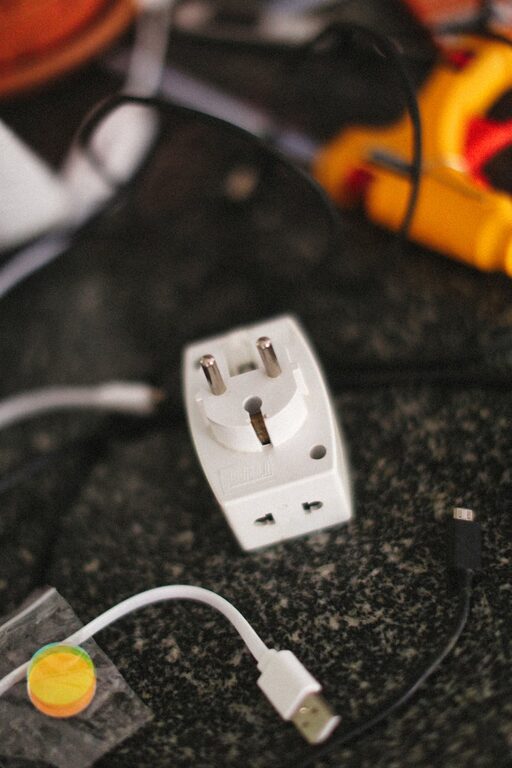
Setting up a dedicated charging station for your devices is a practical way to keep your gadgets powered and your space organized. Whether you have smartphones, tablets, smartwatches, or wireless earbuds, a well-planned station reduces clutter and ensures you never run out of battery when you need it most.
In this guide, we’ll walk you through everything you need to know to create an effective charging station at home.
Why Set Up a Charging Station?
With multiple devices and chargers scattered around, it’s easy to lose track of cords or struggle with limited outlets. A charging station centralizes your devices in one location, making charging more efficient and your space tidier. Plus, it protects your devices from potential damage caused by messy cables or accidental drops.
Step 1: Choose the Location
Select a convenient spot where you and your family spend time regularly, such as:
– Living room side table
– Home office desk
– Kitchen counter
– Entryway console
Make sure the area has access to power outlets and is away from excessive heat or moisture.
Step 2: Gather Your Supplies
Before assembling your station, collect the necessary supplies:
– Power strip or multi-port USB charger
– Charging cables compatible with your devices
– Cable organizers (clips, ties, or sleeves)
– Small container or drawer for accessories (earbuds, adapters)
– Optional: a charging dock or stand
Step 3: Choose the Right Charging Equipment
Power Strip vs. Multi-Port USB Charger
– Power Strip: Offers multiple AC outlets for different chargers. Choose one with surge protection for safety.
– Multi-Port USB Charger: Provides multiple USB charging ports in one device. This reduces the number of power bricks and often supports fast charging.
Consider your device types and the number of devices to decide which suits your needs.
Step 4: Organize Cables Effectively
Cables can easily become tangled, which defeats the purpose of an organized station. Use these tips:
– Use cable clips or adhesive hooks to route cables neatly along desk or wall edges.
– Employ cable sleeves or ties to bundle excess length.
– Label your cables, if helpful, to identify them quickly.
Step 5: Arrange Your Devices
Create a designated spot for each device. Charging stands or docks can keep smartphones, tablets, and watches upright and visible. If you don’t have stands, use a small tray or box to ensure devices stay in one place.
Step 6: Keep Accessories Handy
Store smaller items like earbuds, adapters, or charging bricks in a container or drawer nearby. This prevents clutter and makes accessories easy to find.
Step 7: Safety Tips
– Avoid overloading your power strips.
– Ensure cables are not stretched tight or placed where people might trip.
– Use chargers and cables authorized or recommended by the device manufacturer.
– Regularly inspect cables for wear and replace if damaged.
Optional Upgrades
– Add a wireless charging pad for compatible devices.
– Incorporate lighting such as LED strips to brighten the station.
– Use a charging station with smart features like automatic device detection.
Maintenance
Regularly clean and tidy your charging station to keep it functional:
– Dust cables and chargers.
– Check for damaged cords.
– Reorganize if new devices are added.
Final Thoughts
Setting up a charging station might take some initial effort, but the benefits to organization and device care are well worth it. With a dedicated spot for all your devices, charging becomes easier, safer, and more efficient.
Try customizing your station to fit your lifestyle and enjoy a clutter-free, powered-up home!